BOOM Interactive
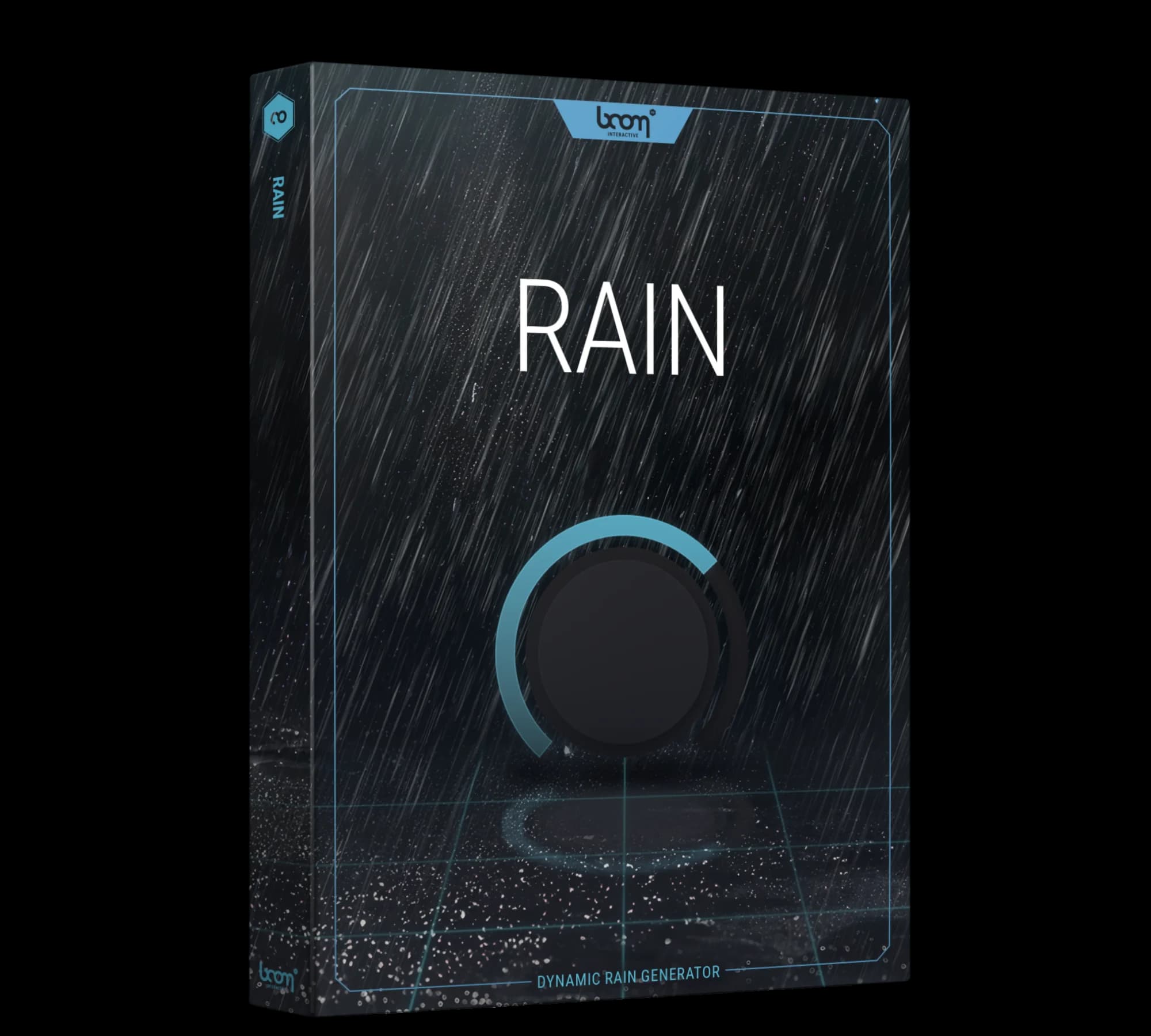
RAIN
Become the Rainmaker
From a single droplet to a rainforest downpour — a rain generator with control over the rainfall, the surface it lands on and the space around it.
26Scenes
50+Environment layers
7Shaping controls
iLokRequired
+And more
Single Droplets●Drizzle●Downpours●Wetland Trickles●Open Fields●Forest Floors●Urban Landscapes●Surfaces●Spaciousness●Scenes●& more
26 scenes50+ environment layersFree iLok account
From single droplets and soft drizzle through to heavy downpours — RAIN is a rain generator for sound designers, with control over the environmental layers, the rainfall simulation and the global tone shapers that fine-tune the result.
The rain is synthesized: intensity, density, distance and wetness are parameters you move, and the result blends into the desired context in real time with automation to picture.
At a Glance
- 26 scenes ready-to-go rainfall soundscapes, usable as they are or modified
- Over 50 layers pre-designed environment layers to work through
- Seven shaping controls intensity, density, wetness, distance, background, space, surface
- x/y parameters both the rainfall and the environment are adjusted on them
- Automation to picture blend the synthesized rain into context in real time
- Free iLok account machine licence or USB dongle
Content & Detail
01Shaping the Rainfallx/y parameters▾
Intensity and densityThe two rainfall parameters, reaching from the occasional single droplet through torrential rainforest downpours and vibrant wetland trickles
DistanceMove the rainfall freely closer to or further from the listener
WetnessPlay with the wetness of the rain itself
Tonal parametersAlter the overall shape of the simulated rain sound. The supplier text calls them “various tonal parameters” and does not name them one by one
How you set themRainfall scenarios are built on x/y parameters, and the result can be automated to picture in real time
Global settingsThe interface carries built-in adjustable global settings, named elsewhere in the supplier text as global tone shapers
02Building the Environment50+ layers▾
SurfaceSelect the type of the surface upon which the rain falls
SpaciousnessAdjust the spaciousness of the scene
Pre-designed layersOver 50 of them, to find a rain sound without building one from the controls
Environments namedWide open fields · overgrown forest floors · sprawling urban landscapes — three named out of a stated variety, so the list is open
03Scenes26 of them▾
Count26 different RAIN soundscapes
PurposeA journey through the 26 for quick rain inspiration, rather than a blank start
EditingModify a scene for your own requirements, or use it exactly as it is
04Where It Fitsfour use cases▾
Film and televisionImmerse your viewers in the ambience of your scenes
MusicAdd depth and emotion to your compositions with custom rain soundscapes
Video gamesCreate lifelike rain environments in audio
Art installationsRecreate authentic sounds of rain
05Requirements and Licensingbefore you buy▾
FormatSoftware plug-in (VST 3, AU, AAX) for Windows and Mac
Host requiredRAIN needs an audio host application and does not work as a standalone. It works with host software that supports VST 3, AU or AAX; the supplier text does not list any host by name
Disk space96 MB required
iLok accountRAIN requires a free iLok account. iLok is the system BOOM Interactive uses to manage its software licences, and it is NOT required for the regular BOOM Library sound FX packs
Machine licenceFree. Deposit the licence on the computer running the software — no USB device needed. All you need is a free account at ilok.com and the free iLok license manager USB dongleIf you already own a 2nd generation or newer portable iLok USB device, deposit the licence on it instead. Many plug-in makers use iLok, so one device serves them all
Papers includedUser manual (PDF) and the BOOM plug-in EULA (PDF)
Rain has no single sound, only a set of conditions. A recording carries the weather it was made in: the surface, the distance and the space around the microphone are already baked into it. Turning those into parameters is what a generator is for — and it is why a single droplet and a rainforest downpour come out of the same plug-in.